Web audio · free · no install

Audio tools13

Free browser tools for composing, practicing and mixing. Nothing to install. Some work offline after your first visit.

CMP Composition · 7

CMPChord Progressions by Mood

Pick a mood, get a chord progression

  • Notation
  • MIDI
  • WAV
About this toolChord Progressions by Mood screenshot

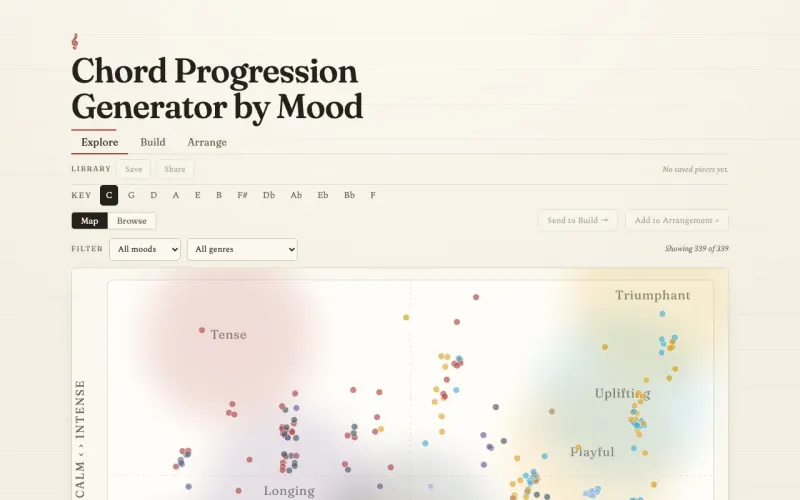
Turn a feeling into harmony. Explore 339 curated progressions on a map of mood and energy, build your own chord by chord with suggested next chords, then arrange sections into a full piece.

  • 339 progressions tagged across 10 moods and about 80 genres
  • Explore, Build and Arrange workspaces
  • Five voicings, from closed and SATB to jazzy, on a sampled grand piano
  • A mood arc that flags jarring jumps between sections
  • Export to sheet music, MIDI and WAV, or share a link
Launch ▸

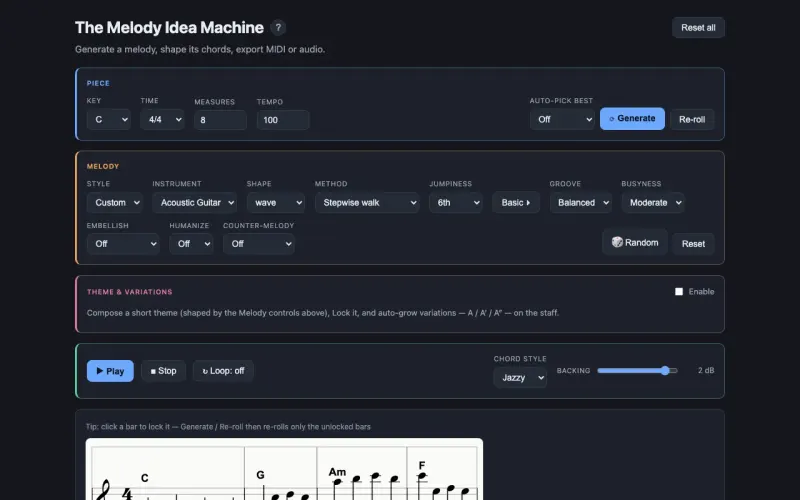
CMPThe Melody Idea Machine

Melodies over any key, mode and chord progression

  • Notation
  • MIDI
  • WAV
About this toolThe Melody Idea Machine screenshot

Generates musically coherent melodies over a key, mode and time signature, optionally bound to a chord progression. Choose from eleven generation methods, develop a theme into variations and play it on sampled instruments.

  • Eleven generation methods, from stepwise and motif to guide tones and Markov
  • Theme and variations (A, A′, A″) with inversion, retrograde and more
  • Optional embellishment and counter-melody passes
  • Sampled piano, guitar, flute, clarinet, violin, trumpet and harp
  • Export to MIDI or WAV
Launch ▸

CMPChord Progression Builder

Progressions by style, in any key

  • Notation
  • MIDI
  • Audio
About this toolChord Progression Builder screenshot

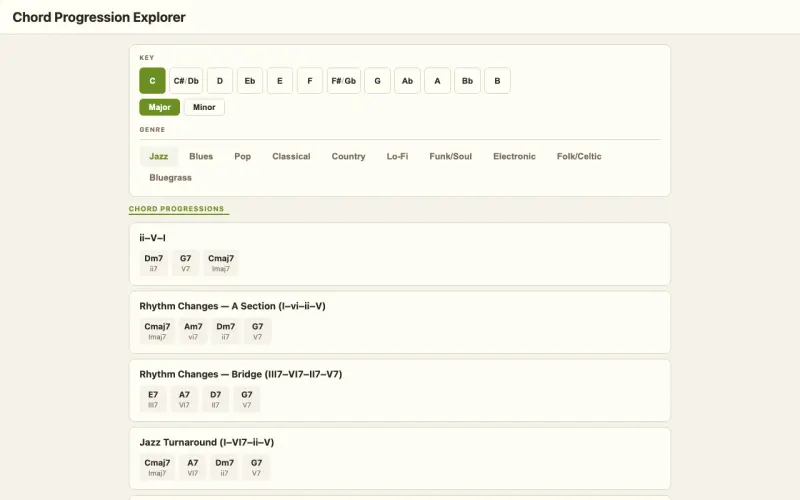
Browse a library of 141 progressions across jazz, blues, pop, classical, folk and funk, transposed to any key with Roman-numeral analysis. Hear them on piano, guitar or synth with strumming patterns and voicings.

  • 141 progressions across 6 styles
  • Roman-numeral analysis in any of 12 keys
  • Piano, guitar and synth playback with strumming patterns
  • Notation for every progression
  • Export to MIDI and audio
Launch ▸

CMPChord Substitution Tool

Smarter substitutes for any chord, heard in context

  • Notation
  • MIDI
  • WAV
About this toolChord Substitution Tool screenshot

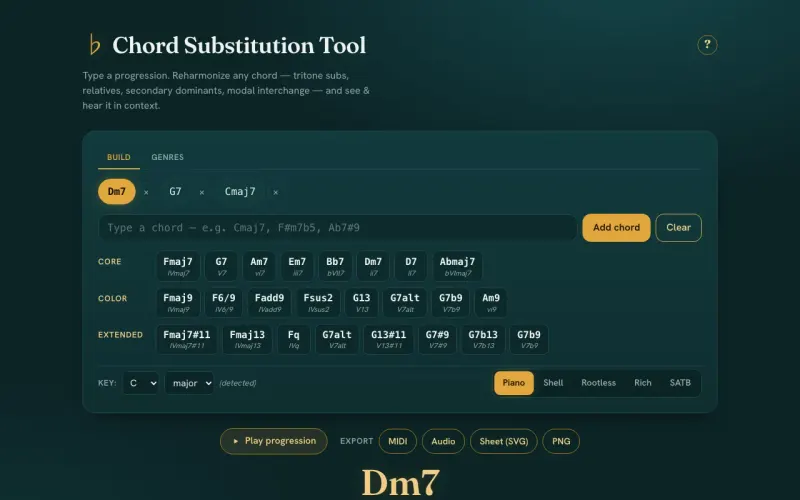
Enter a progression, pick a chord and get musically correct substitutions: tritone subs, relatives, diatonic swaps, secondary dominants and modal interchange. Each comes with a plain-English explanation and an A/B preview of the whole progression.

  • Tritone, relative, diatonic, secondary-dominant and borrowed substitutions
  • A/B playback of the progression with the substitution swapped in
  • Grand-staff notation and a piano keyboard view
  • Genre presets from jazz and blues to lo-fi and bluegrass
  • Export to MIDI and WAV
Launch ▸

CMPModal Interchange

Borrow chords from parallel modes

  • Notation
  • MIDI
  • WAV
About this toolModal Interchange screenshot

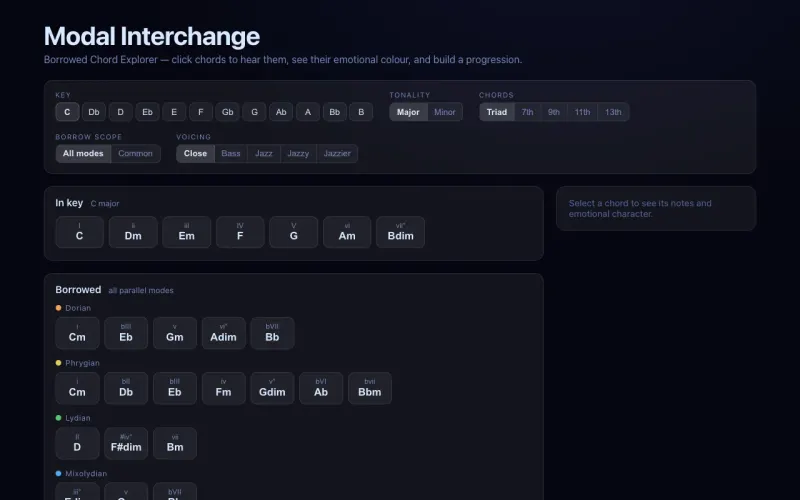
Pick a key and see which chords you can borrow from its parallel modes, along with the emotional effect of each. Build a progression on a timeline and export it.

  • Home chords and borrowed chords from every parallel mode
  • A curated set of the most common borrowings
  • The emotional effect of each borrowed chord
  • A progression timeline with tempo and per-chord length
  • Export to sheet music, MIDI and WAV
Launch ▸

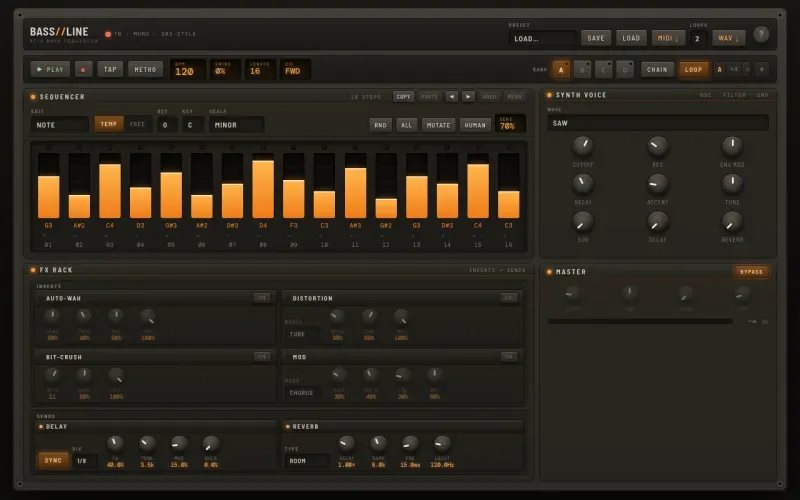
CMPBASS//LINE

TB-303-style acid bass sequencer

  • Synth
  • MIDI
  • WAV
About this toolBASS//LINE screenshot

A monophonic acid-bass synth and 16-step sequencer with a hardware-style interface. Sixteen faders edit note, gate, accent, slide, probability and ratchets per step, with a resonant filter and an effects rack.

  • 16 per-step faders for note, gate, accent, slide, probability and ratchet
  • Resonant filter with envelope mod, accent and slide
  • Insert and send effects: auto-wah, distortion, bit-crush, delay, reverb
  • Scale lock, randomize and humanize
  • Export to MIDI and WAV, or save patterns as JSON
Launch ▸

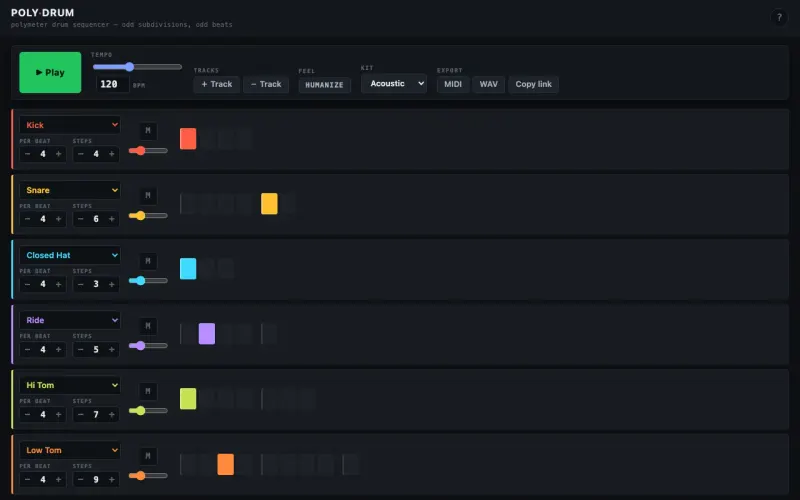
CMPPolyrhythm Drum Sequencer

Drum grooves where every track has its own meter

  • Drums
  • MIDI
  • WAV
About this toolPolyrhythm Drum Sequencer screenshot

A polymeter step sequencer: each track has its own subdivision and loop length, odd numbers included, so the parts drift apart and lock back together. Comes with four drum kits and a master strip.

  • Independent subdivision and step count per track
  • A playhead per track so you can see the polyrhythm
  • Four kits: 808, Electronic, Acoustic and Lo-Fi
  • Master strip with 3-band EQ, compressor and limiter
  • Export to MIDI and WAV, or share a link
Launch ▸

THY Theory & keys · 2

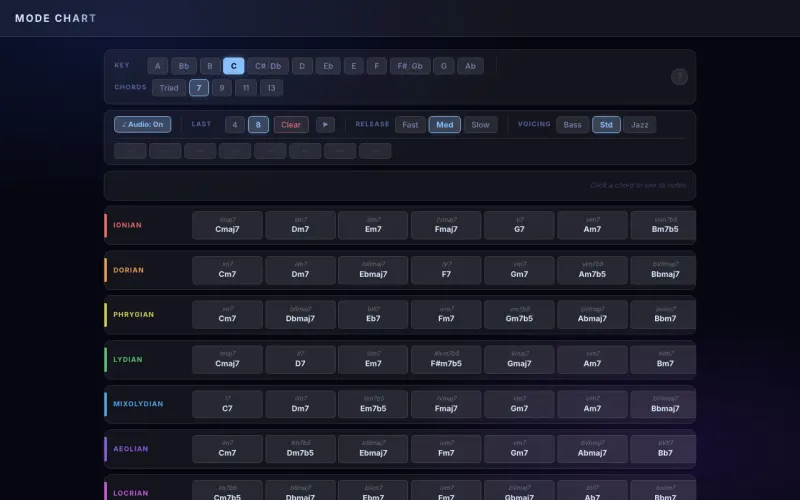
THYMode Chart

Every chord in all 7 modes, in any key

  • Theory
  • Piano
About this toolMode Chart screenshot

A chart of the seven modes, Ionian through Locrian, showing each mode’s diatonic chords with Roman numerals in any of the 12 keys. Switch from triads up to 13th chords and click any chord to hear it.

  • All 7 modes across all 12 keys
  • Triads, 7ths, 9ths, 11ths and 13ths
  • Roman-numeral labels for every chord
  • Click any chord to hear it on piano
  • A history of the last chords you played
Launch ▸

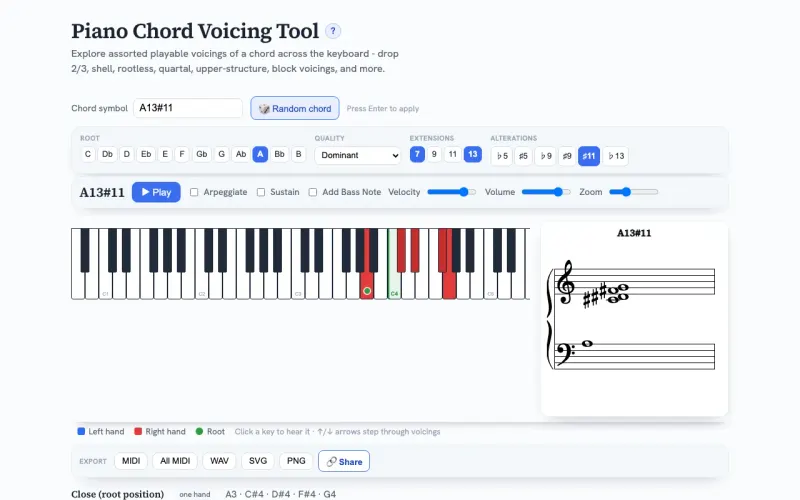
THYPiano Chord Voicing Tool

Every playable voicing of any chord

  • Notation
  • Piano
  • MIDI
About this toolPiano Chord Voicing Tool screenshot

Shows every two-hand-playable voicing of a chord on an 88-key keyboard and a grand staff. Covers close and drop voicings, shells, rootless, quartal and upper structures, split into left and right hands and played on a real grand piano.

  • Full jazz chord input: type a symbol like G7#9 or use the picker
  • Drop 2/3, shell, rootless, quartal and upper-structure voicings
  • 88-key keyboard colored by hand, plus an always-on grand staff
  • Salamander grand piano, block or arpeggiated
  • Export to MIDI, WAV, SVG and PNG, or share a link
Launch ▸

EAR Ear training · 2

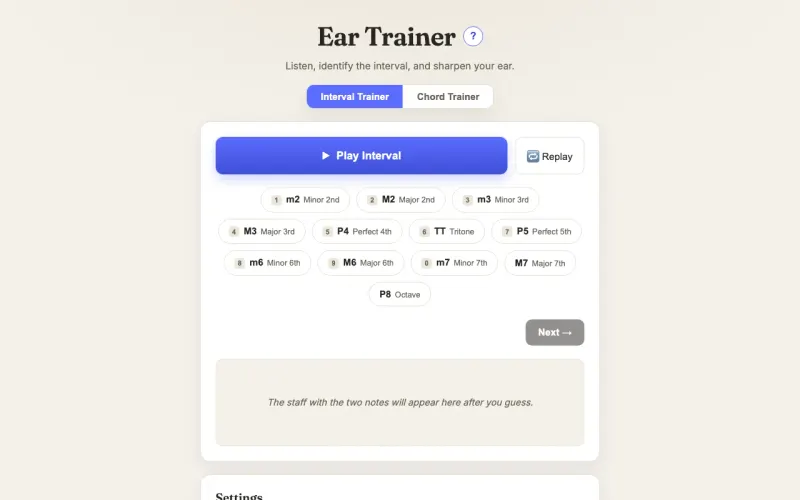
EAREar Trainer

Interval and chord ear training

  • Piano
  • Notation
  • Stats
About this toolEar Trainer screenshot

Two trainers for building relative pitch. Name intervals played ascending, descending or together, or identify chord qualities and inversions, with the answer drawn on a staff after each guess.

  • Interval trainer: m2 through octave, ascending, descending and harmonic
  • Chord trainer: classical, jazz or pop chord sets, triads through 13ths
  • Optional inversion identification and arpeggio playback
  • Five voicings on a sampled grand piano
  • Stats with accuracy for each interval and chord
Launch ▸

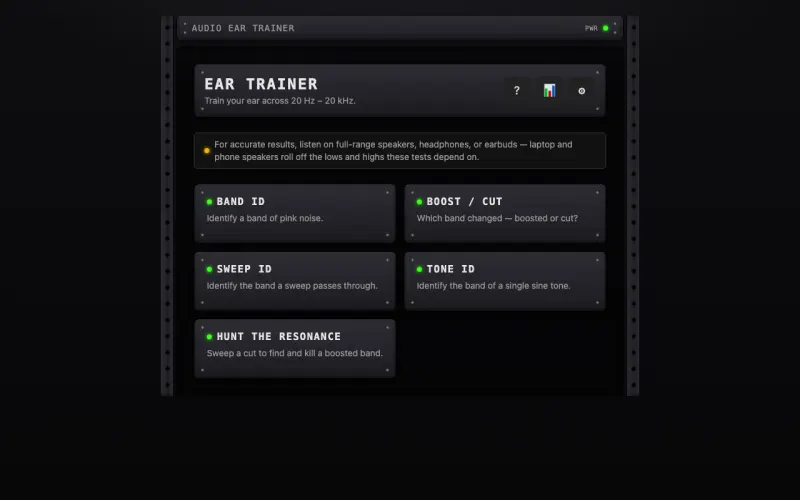
EARAudio Engineer Ear Trainer

Learn to hear frequencies from 20 Hz to 20 kHz

  • EQ
  • Stats
About this toolAudio Engineer Ear Trainer screenshot

Trains an audio engineer’s ear to identify frequency ranges across the audible spectrum. Five quiz modes cover noise bands, boosts and cuts, sweeps, tones and hunting down a resonance.

  • Five modes: Band ID, Boost/Cut, Sweep ID, Tone ID and Hunt the Resonance
  • Easy, Medium and Expert difficulty, up to ⅓-octave bands
  • Randomized level so loudness is never a cue
  • Scores, streaks and a confusion matrix
Launch ▸

MIX Mixing & engineering · 2

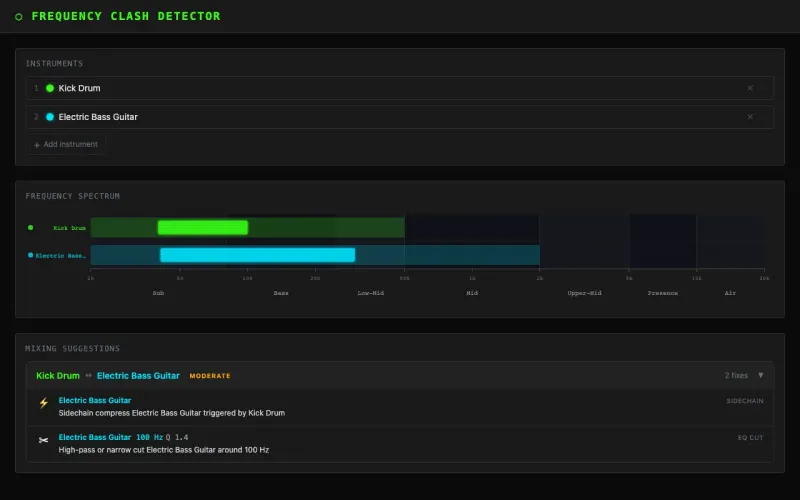
MIXFrequency Clash Detector

Find where instruments fight in a mix

  • EQ
  • Mixing
About this toolFrequency Clash Detector screenshot

Choose two to four instruments and see where their frequency ranges overlap on a spectrum. Get EQ and compression suggestions for each clash, and hear the instruments on sampled sounds.

  • A database of 61 instruments with frequency sub-bands
  • Clash detection drawn over a frequency spectrum
  • EQ cut, boost and sidechain suggestions for each clash
  • Sampled instrument playback
Launch ▸

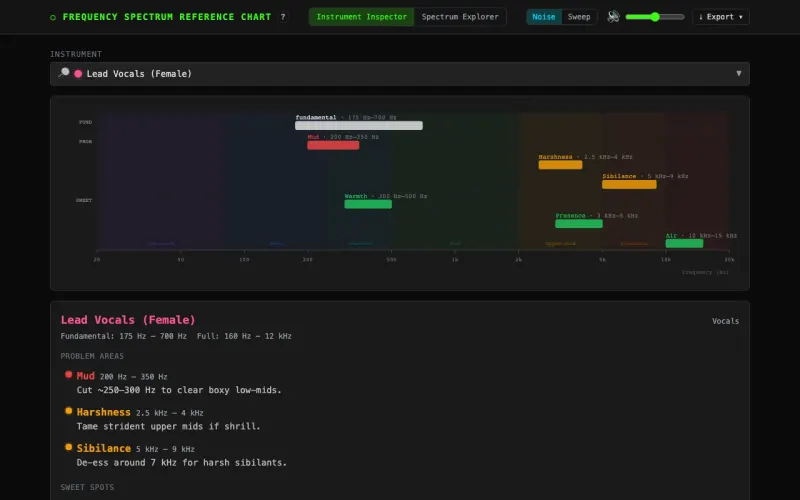
MIXFrequency Spectrum Reference Chart

See and hear the spectrum, instrument by instrument

  • EQ
  • Mixing
  • PDF
About this toolFrequency Spectrum Reference Chart screenshot

An interactive reference for the audio spectrum. See where 61 instruments live, with problem areas and sweet spots for EQ, and hear any band as pink noise or a sweeping tone.

  • Instrument inspector with problem areas and sweet spots for 61 instruments
  • Seven named bands, sub-bass to air, with EQ tips
  • Pink noise, sweep and pure-tone audition modes
  • Export the current view to PNG or PDF
Launch ▸